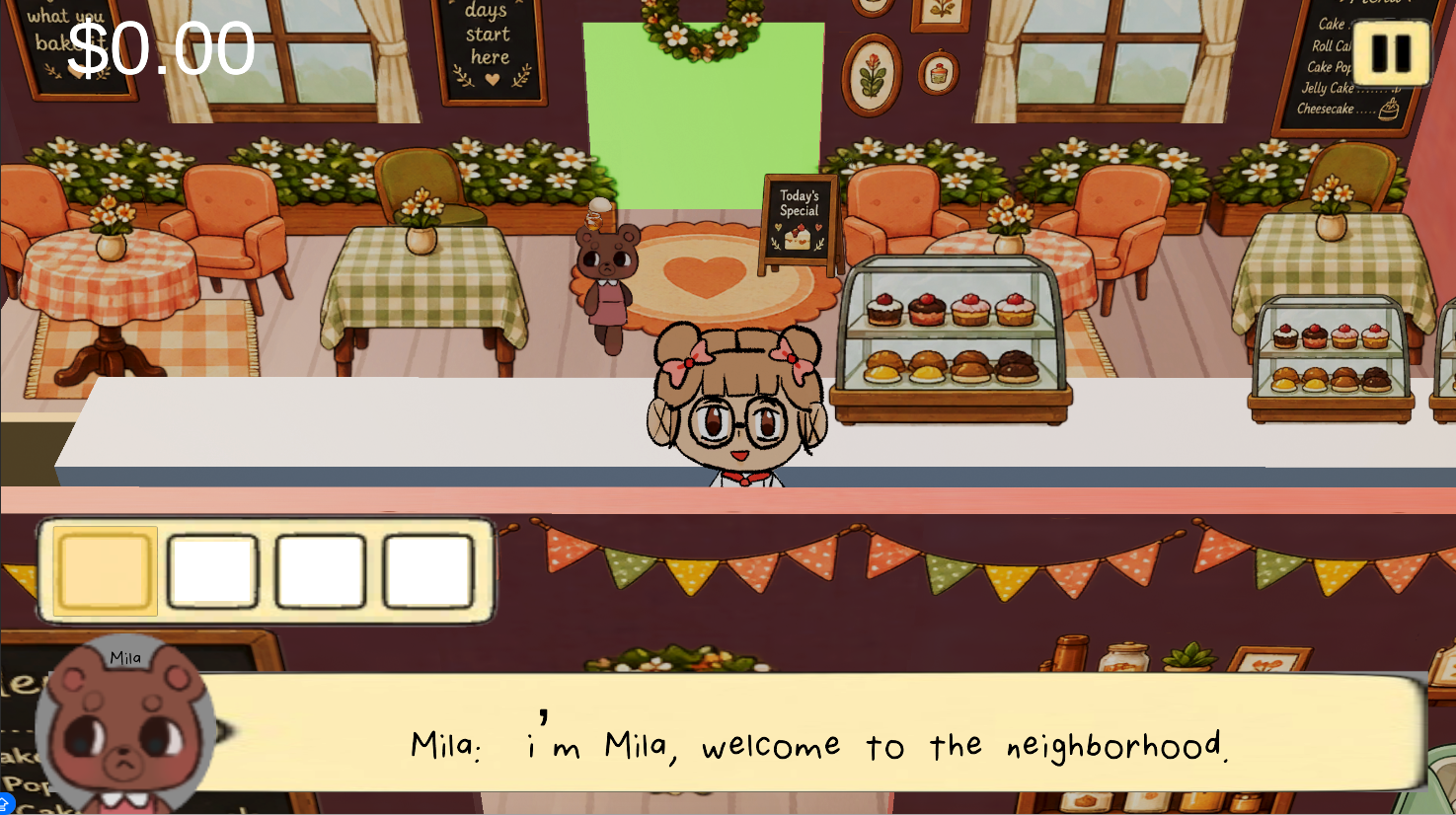
Whisker 2 Devlog: The inspiration for the UI for Whisker and what is next for Whisker 2

After the COSMOS, one of the biggest things I wanted to work on for Whisker 2 was improving the UI.
The UI for Whisker was very limited. For starters, it didn't have a level menu that allowed the player to go back to the main menu which became very apparent in the last COSMOS-wide playtest as I would have to restart the game every time someone new came to play it.
Consequently, my first addition for my UI improvement plan was just adding in a pause button. From there, I added in a pause menu that allowed for the player to adjust the settings or return to the main menu.
The biggest change came when I decided to create a settings panel for the first time. I wanted to add settings in order to make my game more user-friendly and professional. Currently, the settings are composed of a volume slider and a fullscreen toggle.
In the future, I would like to add in keyboard changes and an original design for the cursor. I have always known UI to be an important part of game design, but it wasn't until learning more of game design that I realized its purpose: to improve user accessibility.
Whisker
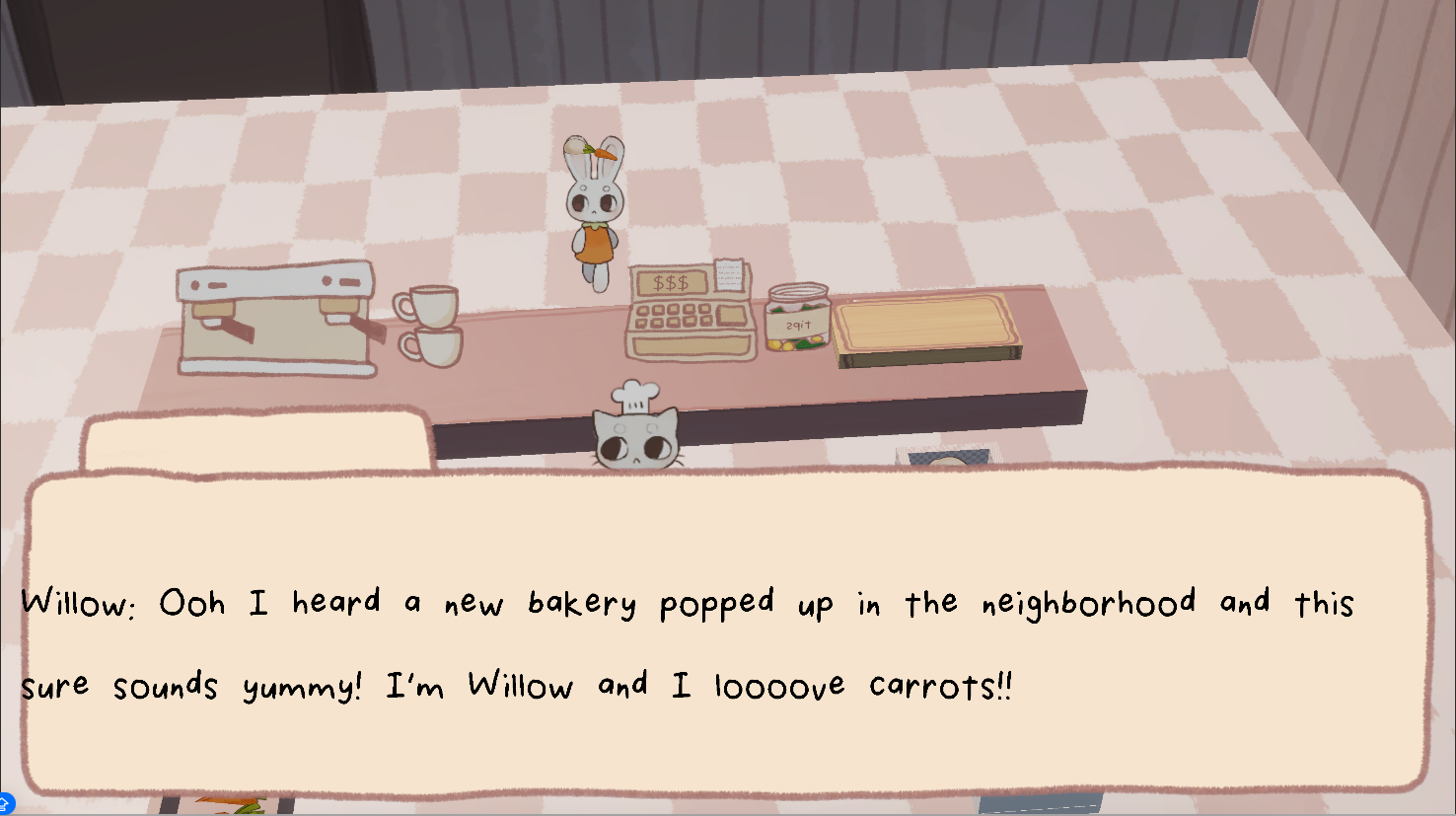
Whisker 2