Week 2 — Engine Bootcamp
Cluster Journey
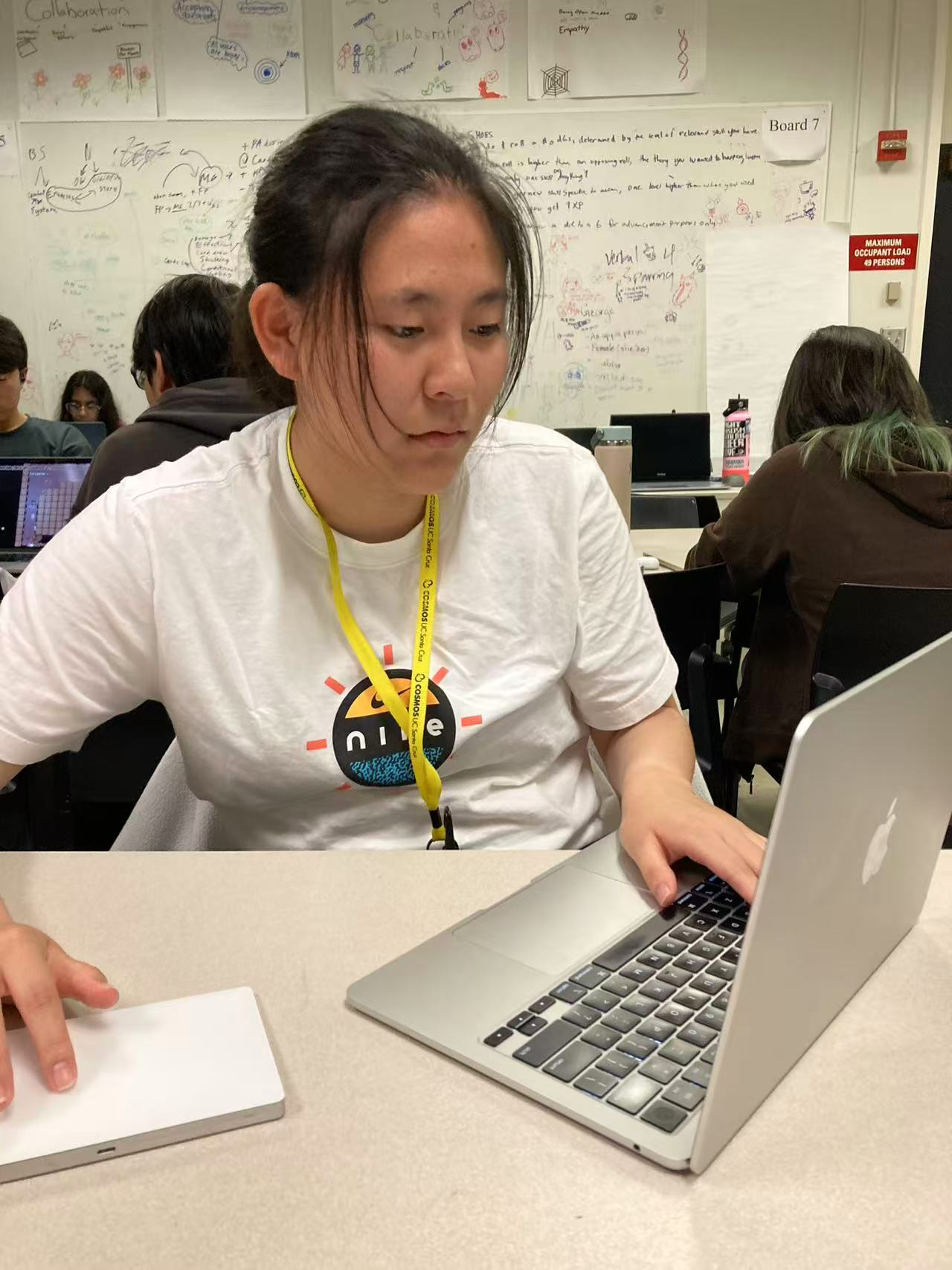
Day 1 — Bitsy
This is the first day of our week 2 engine bootcamp. Throughout this week, our cluster will be working on a different engine every single day. For the first day, we worked on a web-based game development engine called Bitsy. This was the simplest game engine we worked on and was a great way to introduce game development to the folks in our cluster who have never done it before.
The engine was fairly limited in what it could do and did not require any programming at all; however, I was still able to make a complete game. The engine was buggy and I even lost all of my work data, but, after some experimentation, I was able to get a hang on it. It was very interesting to work on a website based game engine and it was a great way to try to make a game with the limited scope of bitsy. I can't wait to explore more engines this week!
Day 2 — Game Maker
The second day of week 2 continued the trend of exploring new game engines. For this lesson, we looked through Game Maker which is an engine known for being used for games like Deltarune. The engine is exclusively for creating 2D games and the interface reminded me of the Unity interface. At first, it was hard to navigate the many windows, but I was able to get a hang of it after messing around with the engine for 30 minutes.
I used the engine to make a simple dropper game where you can catch tacos falling from the sky. I added in two additional power ups: a speed boost and a magnet. Our professor awarded points based on collisions which I tried to incorporate into my game by having the main game loop be based on colliding with the tacos and powerups to get points. I presented to the class at the end and I feel that it was a successful presentation. Game Maker was definitely a level-up from Bitsy!
Day 3 — RenPy
The third day was spent with RenPy which is a visual novel game engine made in python. This engine is well-known for powering many popular visual novels like Doki Doki Literature Club or Slay the Princess. Our professors had teased this engine a couple of days before and it was definitely interesting to actually play around with it.
For this engine, we split off into groups of three to create our own little visual novel. Our group decided to make a game based off of the short story "The Last Leaf" by O. Henry. I worked as the writer and the programmer, while the other two in my group worked to design and create the character sprites.
I felt like RenPy was a very interesting game engine because of how the engine worked. For example, instead of having a window to display the project as in a way to display your in-game work like the scene tab in Unity, RenPy only had a window for launching and trying the game. The various assets and the scripts were, instead, accessible through the IDE or through the RenPy launcher which showed you different folders for the different assets you could put in it. It was at first hard to navigate this new change, but I was able to get used to it. RenPy used a modified version of Python which was surprisingly very easy to learn. Overall, our presentation for this project was very successful!
Day 4 — Godot
For our fourth day, we worked on our most complicated engine yet to finish off our last assigned game engine. This game engine was a personal favorite of our professors who all had a lot of experience with it. Godot was the most complicated engine we learned so far and it was hard to cover the basics in our very limited cluster time. Despite all of this, it was very interesting to use Godot which is well-known for its rapid rise in popularity.
I thought that the engine was initially very similar to Unity, but, overtime, the differences became more and more apparent. For example, Godot has no direct equivalent to Unity's prefabs, which was a bit hard for me to get used to. However, it turned out that Godot instead used scenes in a similar fashion to how prefabs are used in Unity. I feel like Godot is still an engine I would like to explore more of due to the vast scope of the game engine. Although it was very challenging, Godot is a game engine I will surely learn more about.
Day 5 — Choose your own engine
For our final day of the second week of Cosmos, Cluster five worked on an engine of our own choosing. We were given a list of engines and challenges to try out ourselves.
For our PM session, we had some lectures on various topics to prepare for our final project next week. We learned about how to use Github to collaborate on our game, how to advertise our games, and how to pitch our ideas. I can't wait to start making our final project next week!
Coding Journey
Week Long
For the first week at COSMOS, I mainly worked to set up my project by creating a basic gameplay loop and now in the second week, I needed to fix some of the errors in my code. The most glaring problem with my game was the fact that the enemy zombies would not chase my player. I was confused by this at first and spent five days working to no avail to solve this problem.
Along the way of solving this problem, I encountered another problem: my player could not pick up the throwable objects. This was a very surprising problem because my player was able to work correctly without problems just the day before; however, it seems that I had broken the player movement script while attempting to fix my enemy ai script. These issues bugged me greatly over the next couple of days.
Despite this, I was able to find a way to fix the enemy ai problem by looking through my past code. It turned out I was missing some scripts for enemy AI. For my player movement, it was easier to fix once I knew where to look. As a result of documenting my code clearly and daily on Github, I was able to find my past version of the player movement script which still had a working player picking function.
This experience demonstrated the importance of good documentation, because if I didn't have copies of previous code, I could have broken my game further and stayed stuck on these problems for far longer.